


From job to PO in a step
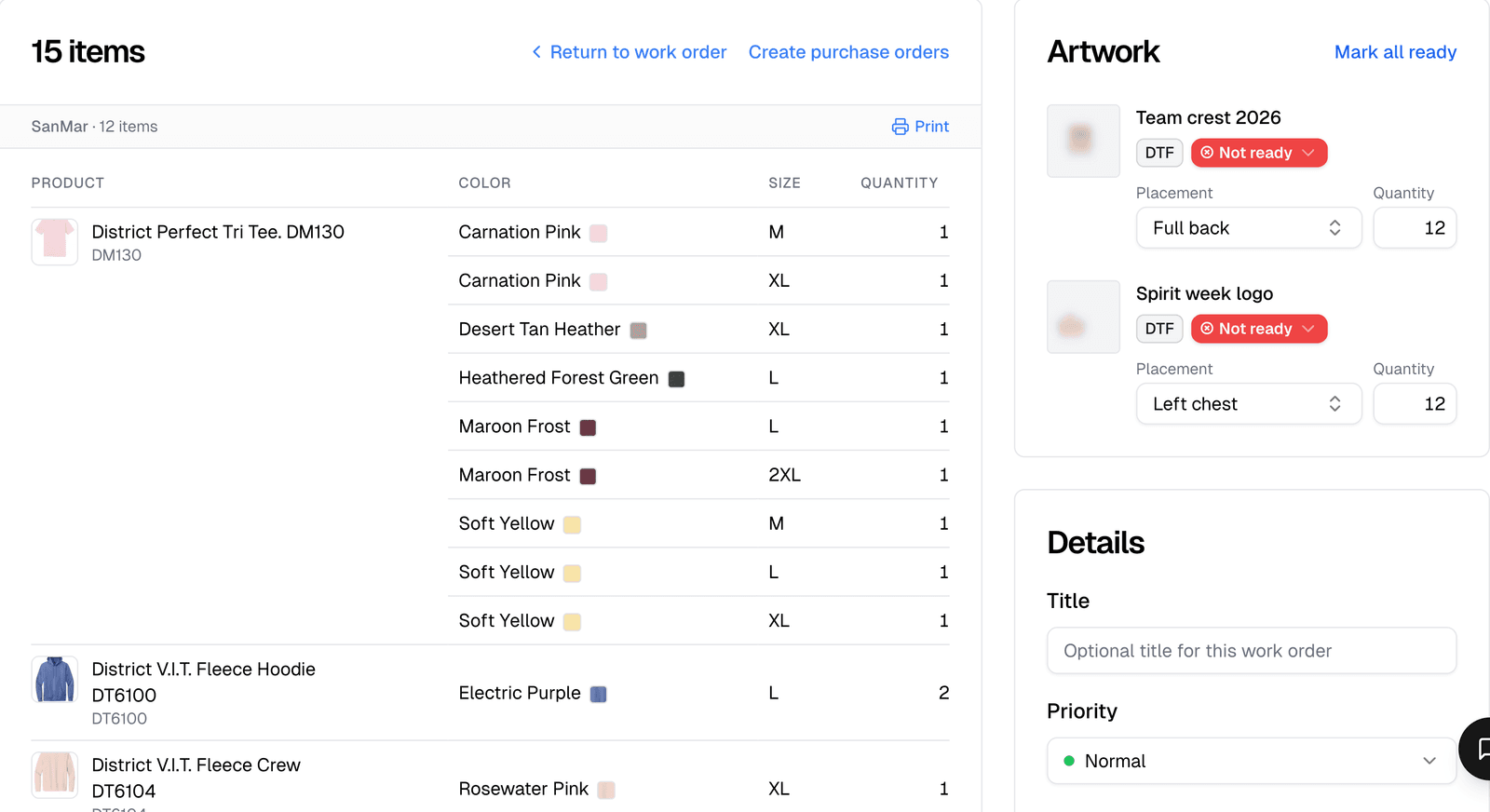
Every size is already counted for each supplier. Nobody rebuilds the order by hand.
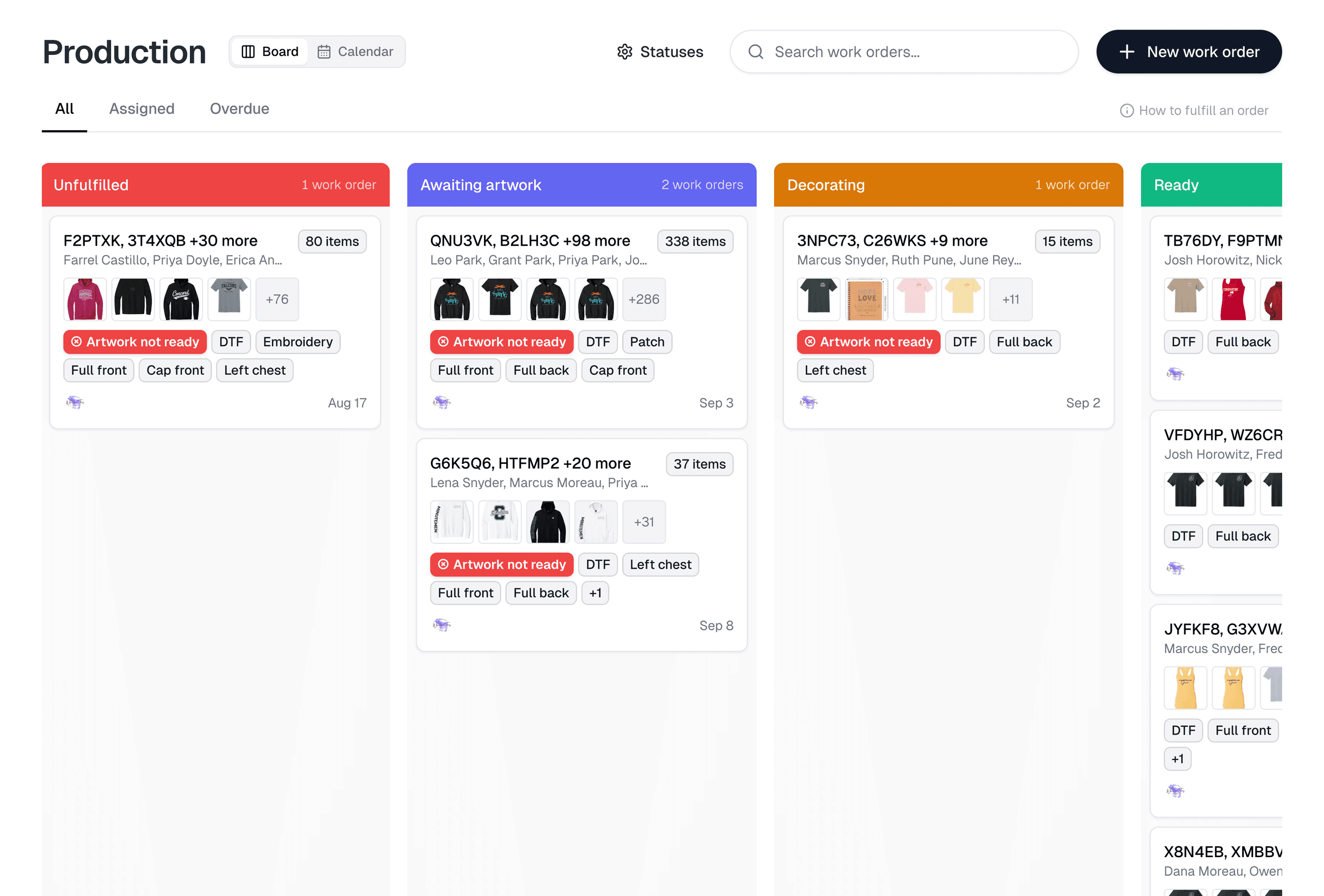
Turn store and quote orders into work orders. Your crew knows what to run next without coming to find you.
$0/mo
Free forever
Every line spells out which artwork goes on which blank, in which sizes and with which decoration. Your crew gets it right the first time.

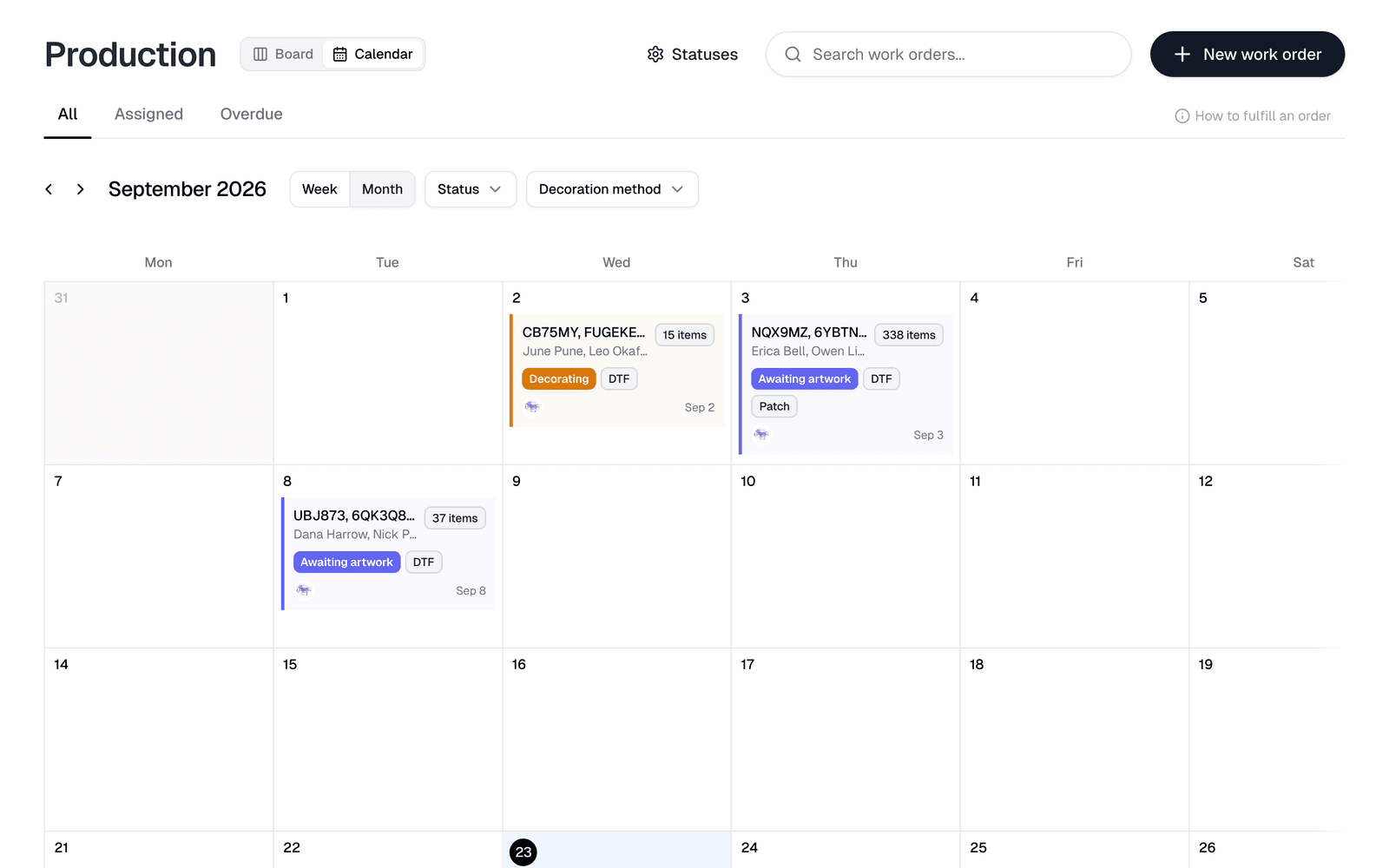
Every job sits on the calendar by its due date. Spot a crowded Thursday before it turns into a late Friday.
Each job carries its decoration method, even the ones you add yourself. No embroidery job lands at the DTG printer by mistake.
Every size is already counted for each supplier. Nobody rebuilds the order by hand.
Each packing slip lists only the items in that box. A customer never opens a box looking for pieces that ship later.


“This saved me so much time. More sales and reaching out to other teams.”
“I absolutely love how easy it is to create mockups, upload multiple products at one time, and generate unique landing pages for each group.”

Yes. Work orders move across a board of your own production statuses. Add, rename, recolor and reorder them to match how you work. Filter the board to work assigned to you, or to overdue jobs.
Yes. You pick items from any number of orders, grouped by order, product, artwork, store or decoration method. They merge into one work order.
Yes. Print work order makes a PDF with the items sorted by style and then color, the sizes counted, and each artwork's placement and status.
Yes. View the work order as purchase orders to see what you would buy from each supplier, then open a filled-in draft for each supplier and save them together.
Work orders hold suborders. Part of an order can sit in one work order and the rest in another. Packing slips printed from a work order cover only its own items.
Yes. The calendar shows work orders by due date, by week or by month. Drag one to another day to change its due date.
No subscriptions. No website hosting fees. Share your link and start selling today.