Uploading
New artwork opens a menu of two kinds of file:
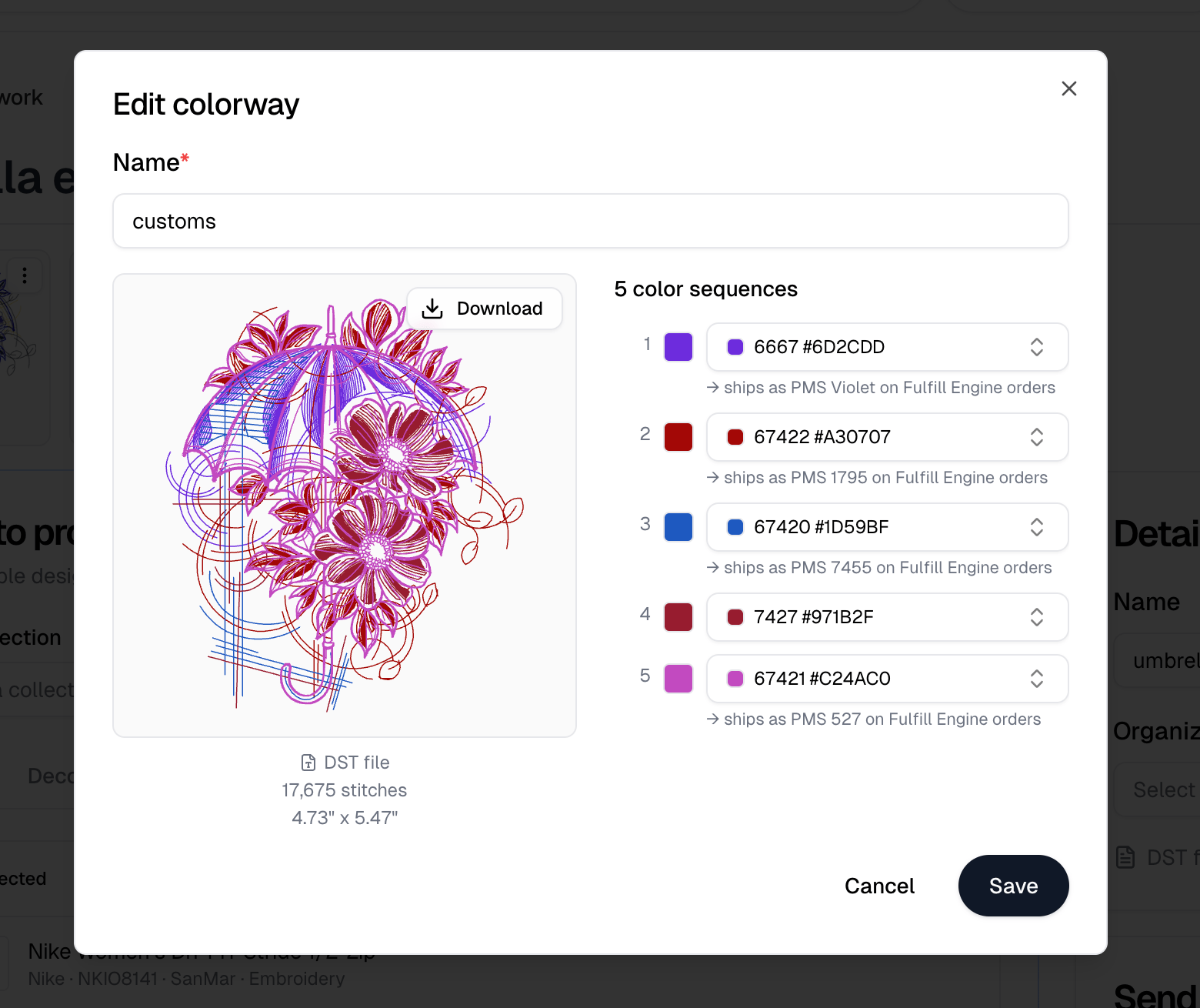
An image uploads and takes you straight to the new artwork. A DST is read first,
so you name it and assign a thread color to every sequence before Save
embroidery artwork becomes available.
Approval
Artwork is Draft, Approved, Rejected or Archived, set from the badge beside its name. The list filters by the first three, and View archived artwork reaches the fourth. The Send for approval panel emails one or more contacts, with an optional message, for a design a client needs to sign off before you print it. Pick the contacts, then Send message, which stays disabled until at least one contact is selected. Approval history lists what you sent and what came back. A request that goes unanswered past its expiry reads Expired, and a pending one can be revoked.Colorways
A colorway is one recoloring of the artwork, so the same design can print light on dark garments and dark on light ones. One is marked Default. Add colorway creates another. Selecting one opens Edit colorway, and what you can set depends on the file:
With Fulfill Engine
connected, a thread you picked that is not itself a Fulfill Engine thread shows
the PMS color it ships as on Fulfill Engine orders, so you can see what the
decorator will actually be given.