Adding a contact
New contact needs a first name, last name and email. Phone, organization and internal notes are optional, and Add address attaches a shipping address.Contacts are also created automatically when someone buys from one of your
stores, so most of this list fills itself in.
A contact’s page
Their details sit at the top and are editable in place. Change a field and select Save changes. Notes save on their own as you type. Every order they have placed sits below, filterable by Incomplete, Needs purchasing or Pending delivery. This is the fastest way to answer “what has this customer ordered from us”, and it spans every store rather than one.The list
Each contact shows their email, phone, order count, when they became a contact, their last order, and Purchased from, which is the stores they have bought from. The dropdown beside the search box narrows what the search looks at: all columns, contact, email, phone, or purchased from. Selecting rows hides the search and reveals Download CSV for the contacts you picked.Organizations
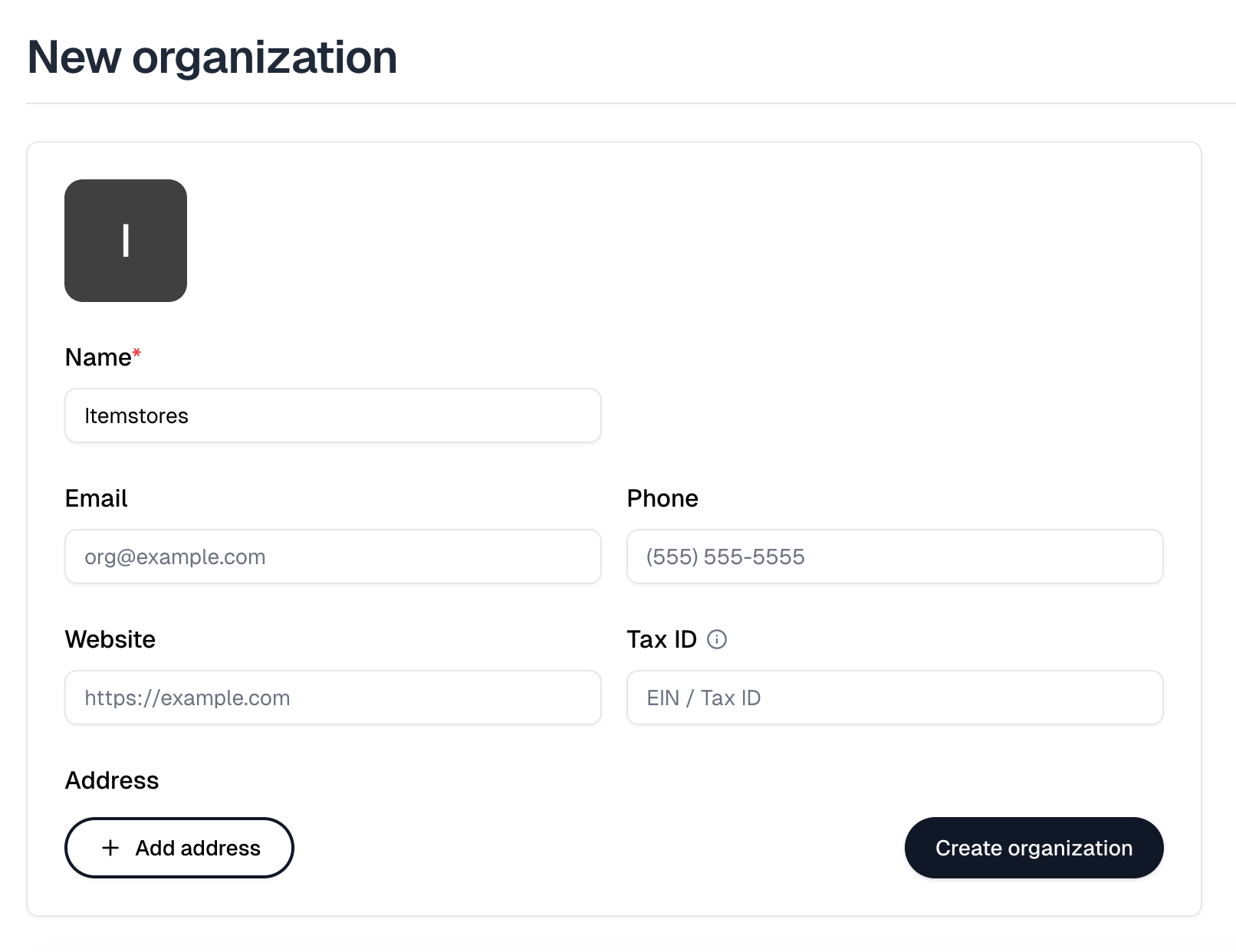
The Organizations tab groups contacts under the company, school or team they belong to. New organization needs only a name. Email, phone, website, address and Tax ID are all optional, and an organization keeps its own notes. Its Members list is every contact assigned to it, with their email and phone. There is no way to add one from here. Set a contact’s Organization on the contact itself. Selecting members reveals Download CSV.