
The inbox
All and Unread filter the list, and each notification links straight to what it is about, such as View order. The search box above the list matches on the notification text. Each row has an archive icon and a read icon. Selecting rows reveals a toolbar for doing the same to several at once, plus delete. Mark all read clears the unread count, and Archive switches the list to what you have put away, where the icon on each row unarchives it instead. Where you belong to more than one business, each notification is badged with the business it came from.Preferences
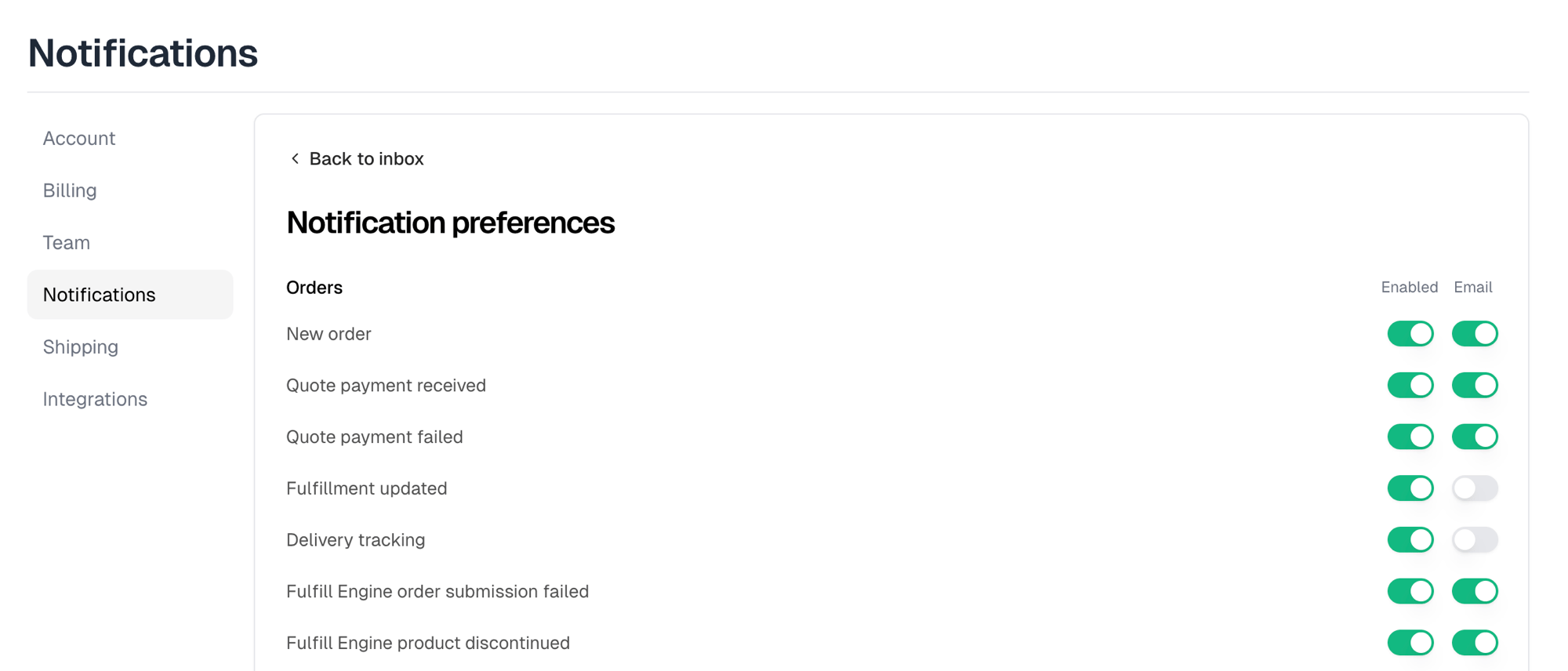
Preferences opens Notification preferences, which controls what you are told about, with two switches per event:
That split is the useful part. You can keep something in the app without it
reaching your email. Turning Enabled off greys out the Email switch, since an
event you do not get cannot be emailed.
Not everything is listed here. Security alerts, team invitations, ownership
transfers, order disputes and refunds, and payment problems always reach you,
and have no switch.