
Sign up
Sign up with an email and password, or with Google. Passwords need at least 12 characters.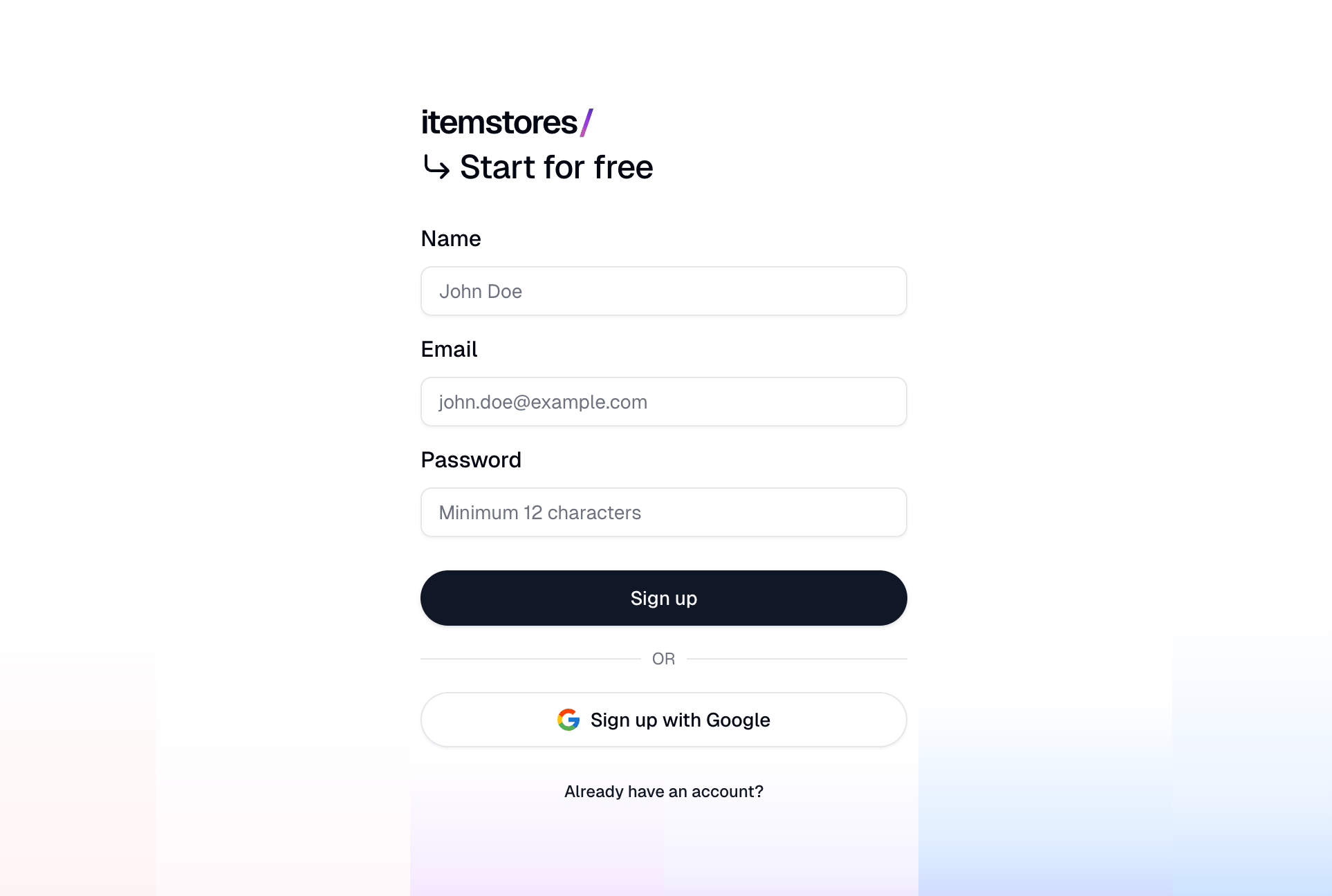
Signing in
If you signed up with an email and password, Itemstores emails you a verification code each time you log in. There is no authenticator app to set up. If you signed up with Google, you sign in through Google, and Itemstores keeps no password or two-factor settings for you.Your profile
Go to Settings › Account to set your name and profile picture.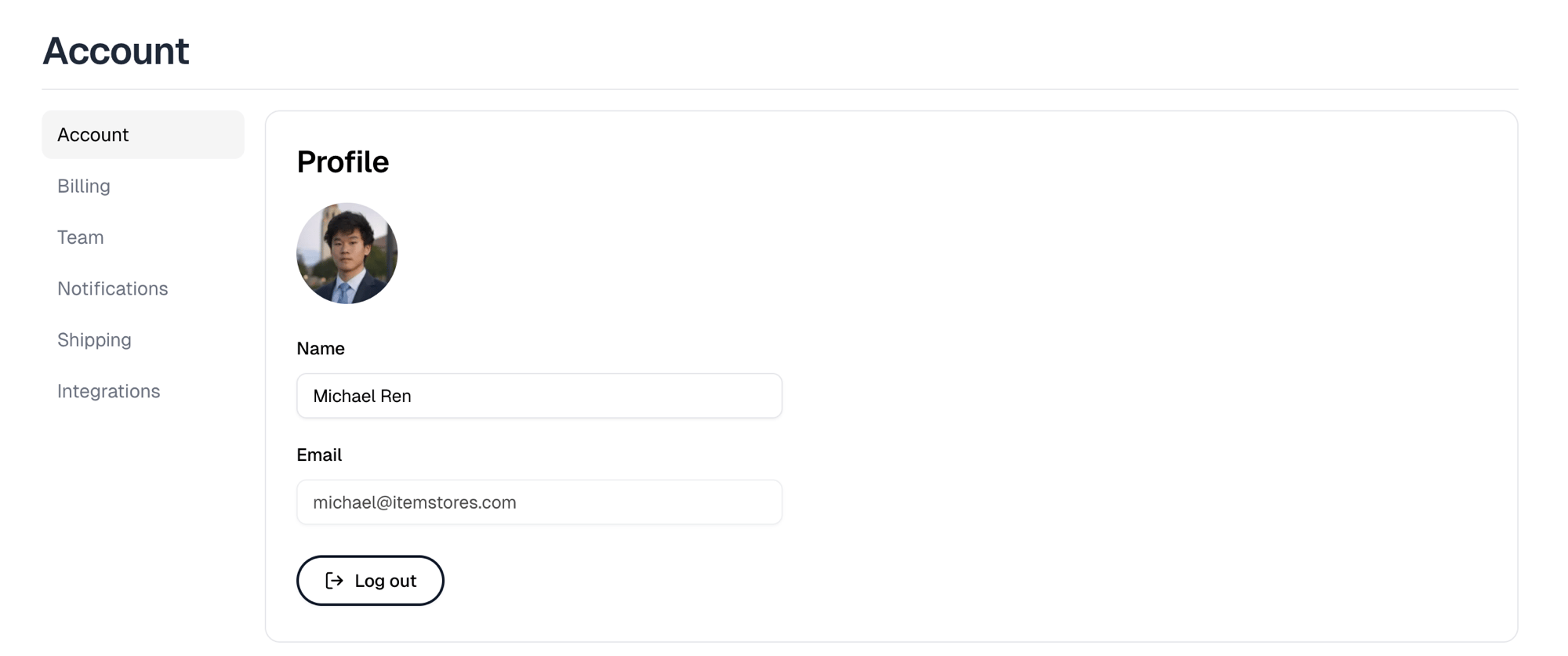
Changing your password, turning two-factor off, and signing out other devices
are covered in the Account guide.