Requires a Full or Enterprise license and a connected Stripe account.
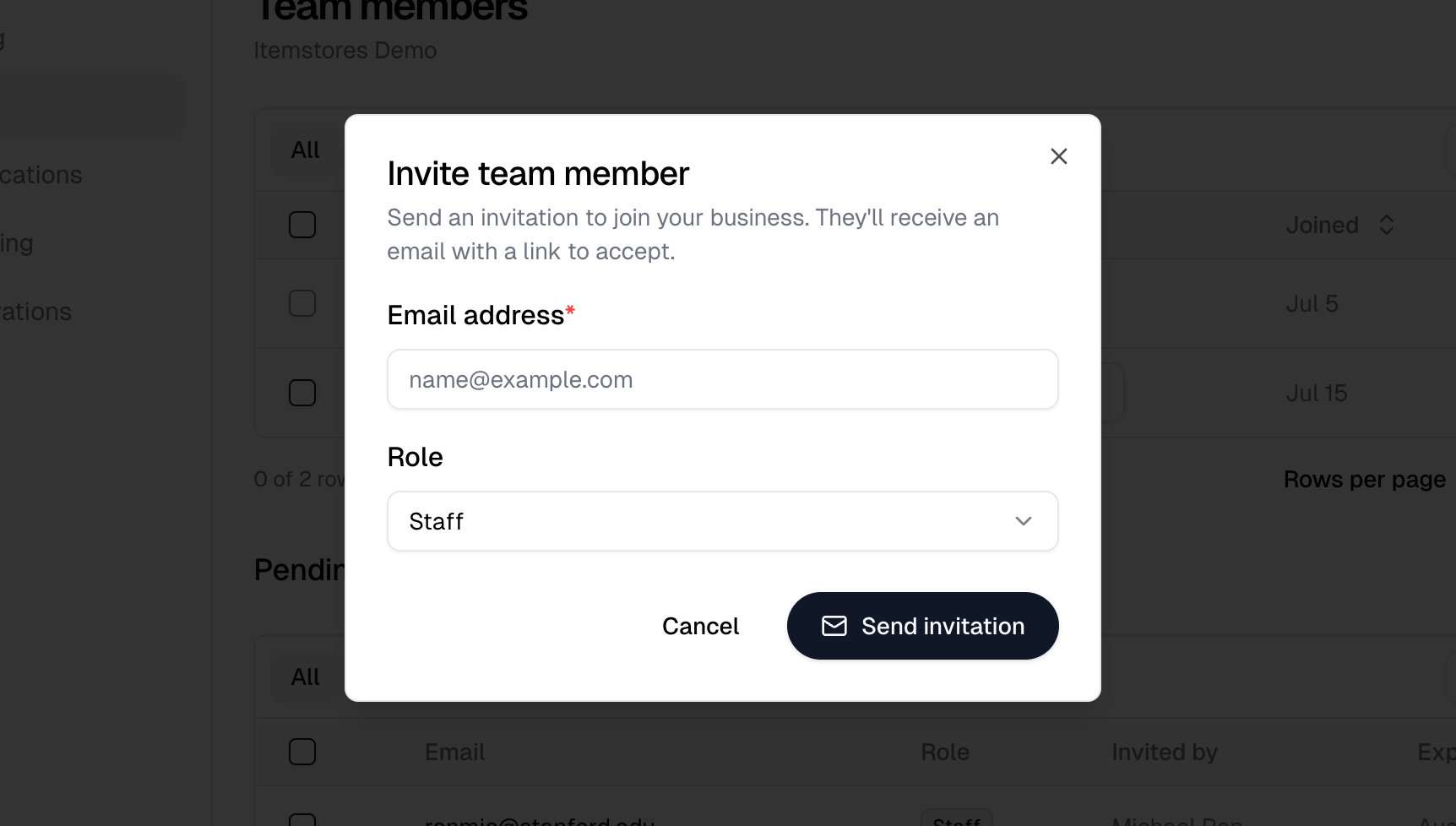
Go to Settings › Team and select Invite member. Enter their email and pick a role. Only owners and admins see that button.
The Invite team member dialog with an email field and a Role selector set to Staff
An invitation expires after 7 days. Unaccepted ones sit under Pending invitations with their expiry date, so you can see what has gone stale.
A business holds up to 100 team members, counting pending invitations.

Roles

Only the owner can invite an admin. See the Team guide for what each role can do.
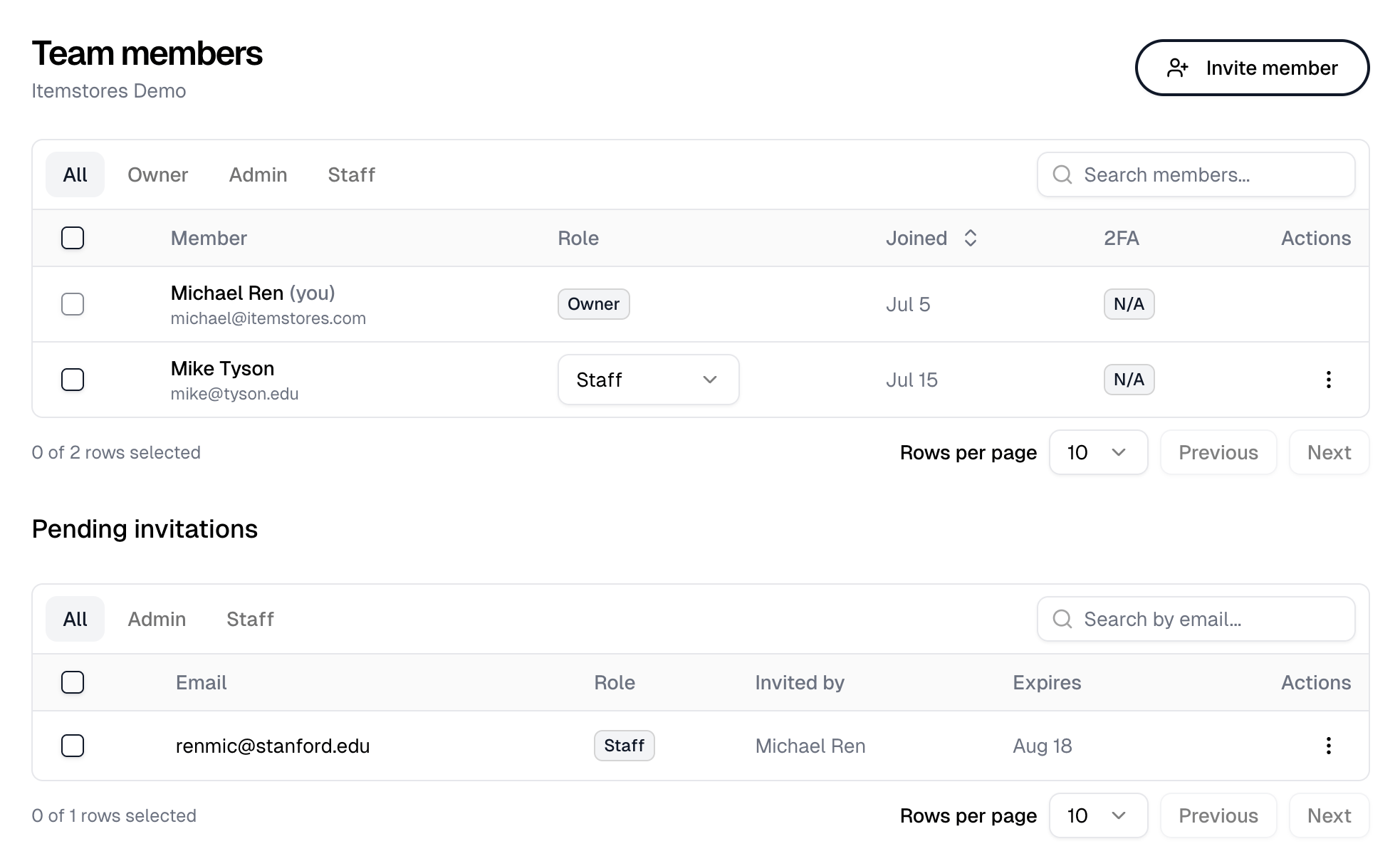
The Team page listing members with their roles above a Pending invitations table