Stripe is how customer payments reach your bank account.
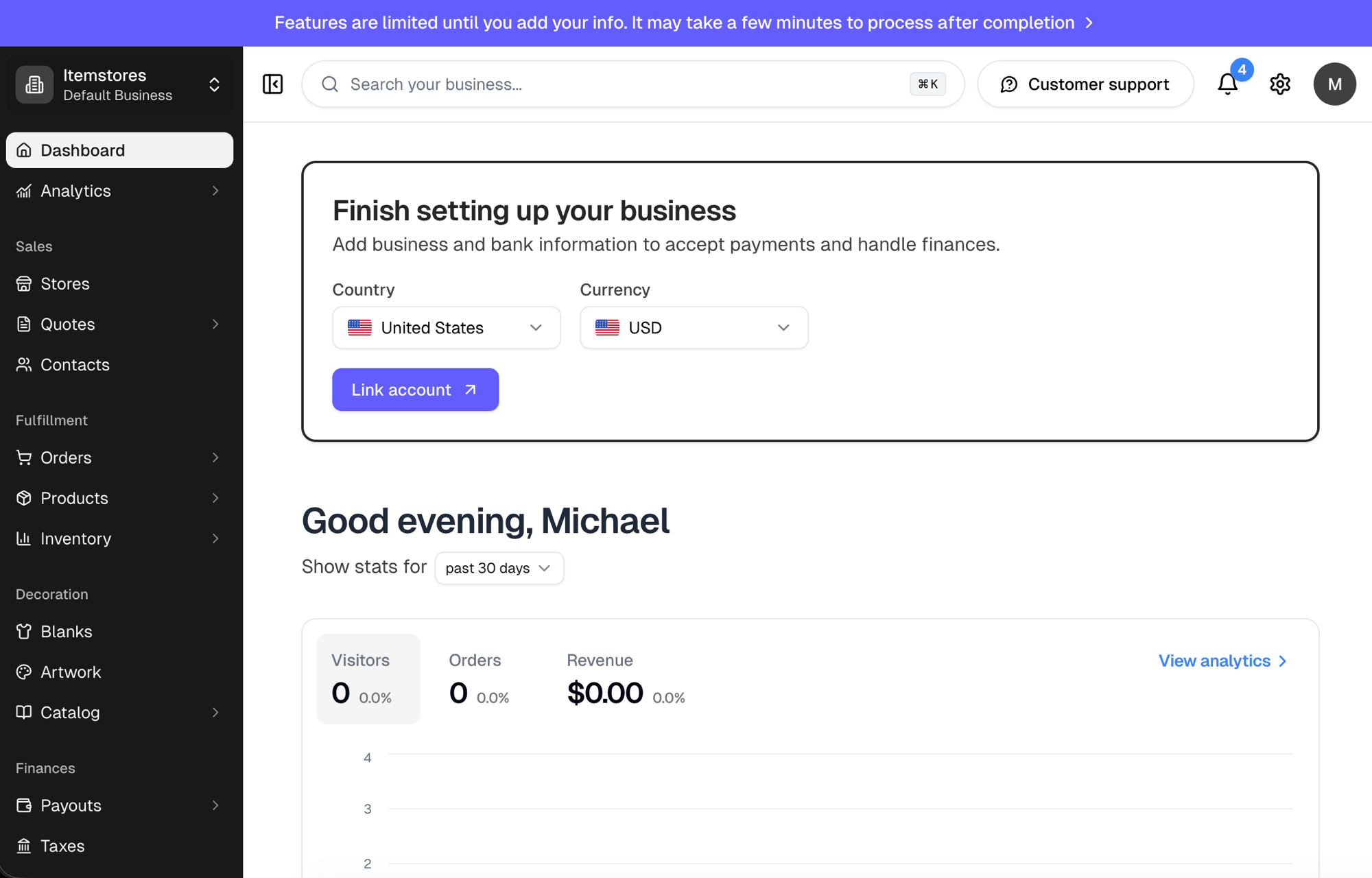
Until it is connected, a Finish setting up your business card sits at the
top of your Dashboard. Start there, or
go to Settings › Business, which
only the business owner can open.
Set your Country and Currency, then select Link account to add your
business and bank details with Stripe.
Your country and currency are set when the Stripe account is created. Contact
support to change them, and do it before you finish onboarding.
Finishing the Stripe form does not unlock everything instantly. It takes a few
minutes to process, and the banner across the top stays until it has.