> ## Documentation Index
> Fetch the complete documentation index at: https://itemstores.com/help/llms.txt
> Use this file to discover all available pages before exploring further.
# Integrations
> Third-party services you can connect
Requires a Full or Enterprise license.
Two integrations, each shown with its connection state.
| Integration | What it does |
| ---------------------------------------------------------------------- | -------------------------------------------------- |
| [QuickBooks Online](/help/knowledge-base/settings/integrations/quickbooks) | Posts your sales, fees and payouts into QuickBooks |
| [Fulfill Engine](/help/knowledge-base/settings/integrations/fulfill-engine) | Print on demand production and fulfillment |
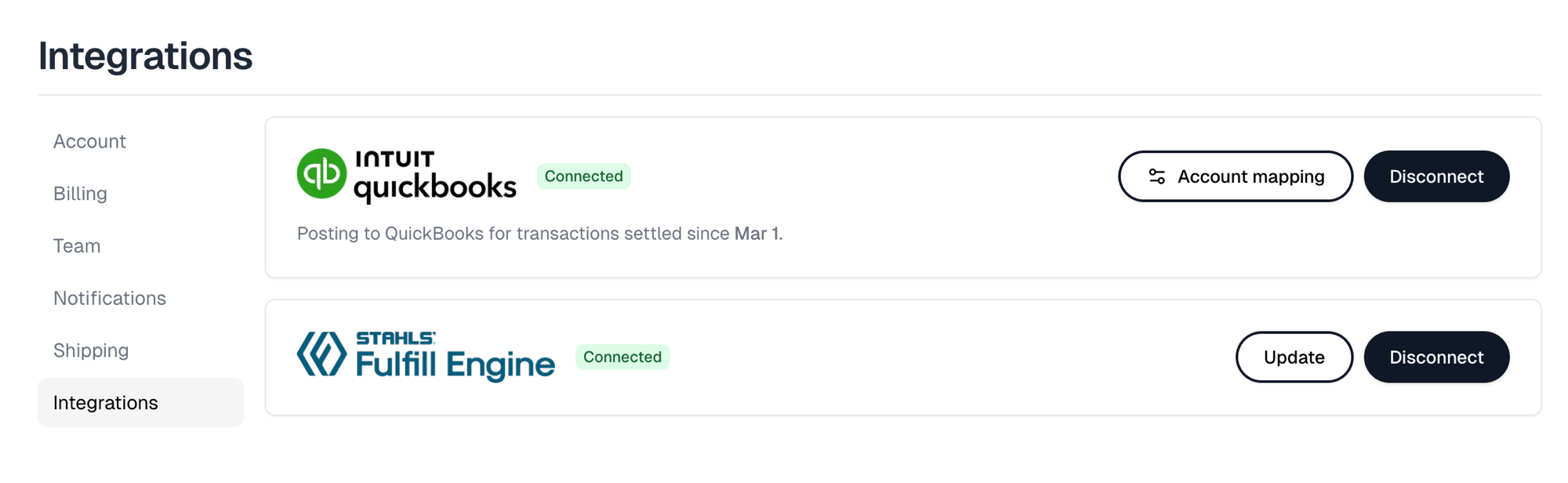 Each card offers **Connect** until it is connected, then swaps to its own pair
of actions.
A connected QuickBooks card is badged Connected, shows the date it began posting
from, and offers **Account mapping** and **Disconnect**. Until every required
account is mapped, the badge instead reads Setup incomplete and **Account
mapping** carries an attention marker.
A connected Fulfill Engine card is badged Connected and offers **Update**, for
changing the credentials, and **Disconnect**.
Each card offers **Connect** until it is connected, then swaps to its own pair
of actions.
A connected QuickBooks card is badged Connected, shows the date it began posting
from, and offers **Account mapping** and **Disconnect**. Until every required
account is mapped, the badge instead reads Setup incomplete and **Account
mapping** carries an attention marker.
A connected Fulfill Engine card is badged Connected and offers **Update**, for
changing the credentials, and **Disconnect**.